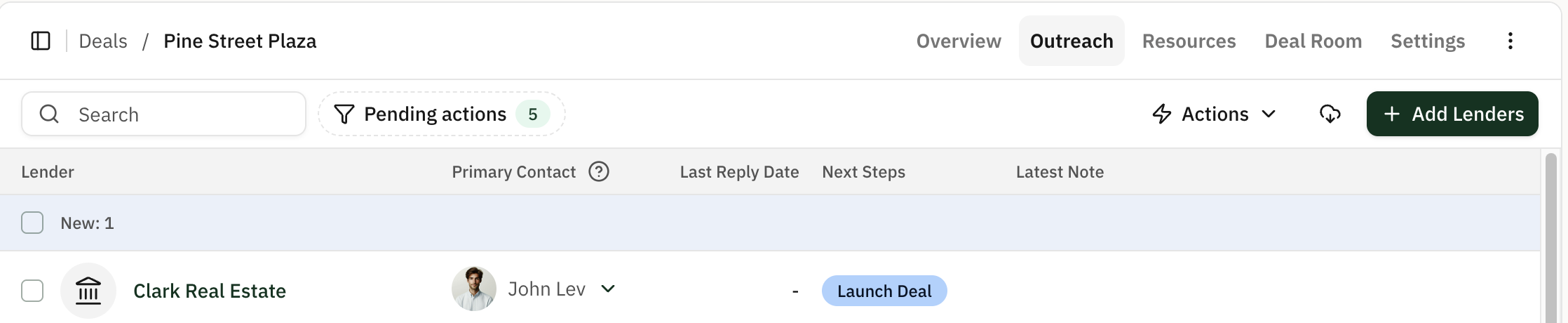
Adding a Contact to Your Network
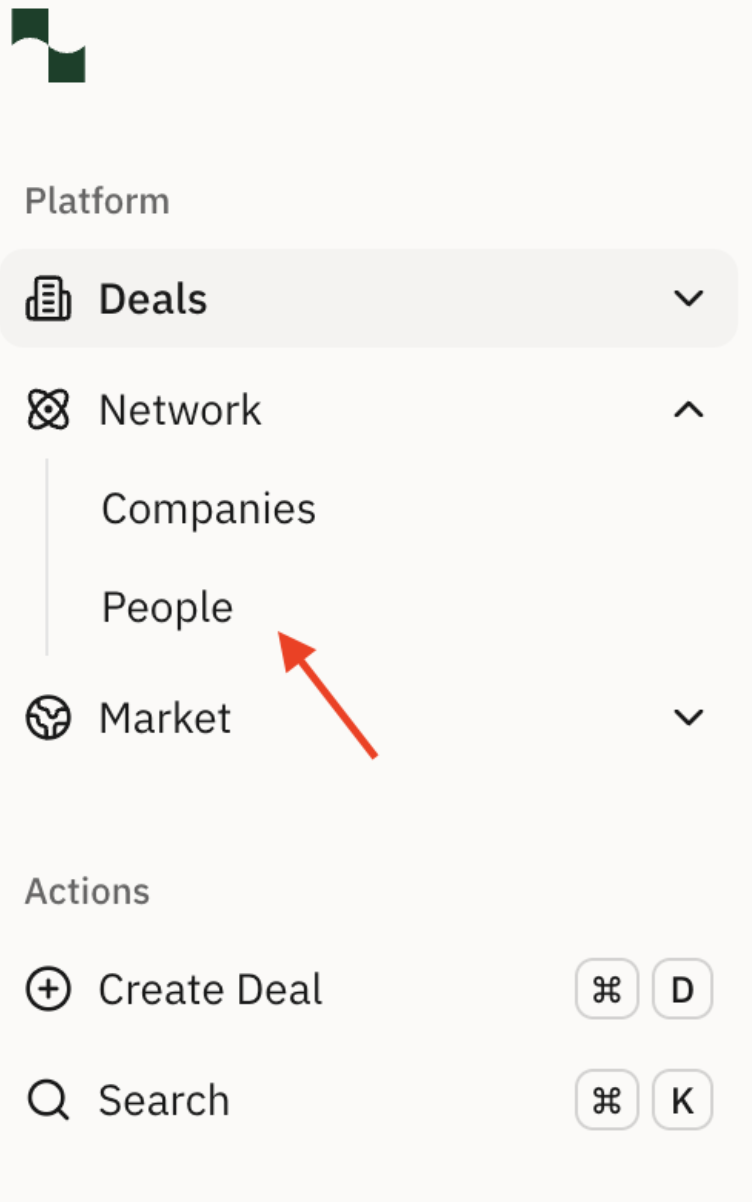
Click the Network tab, then click People to bring up your list of existing lender contacts.
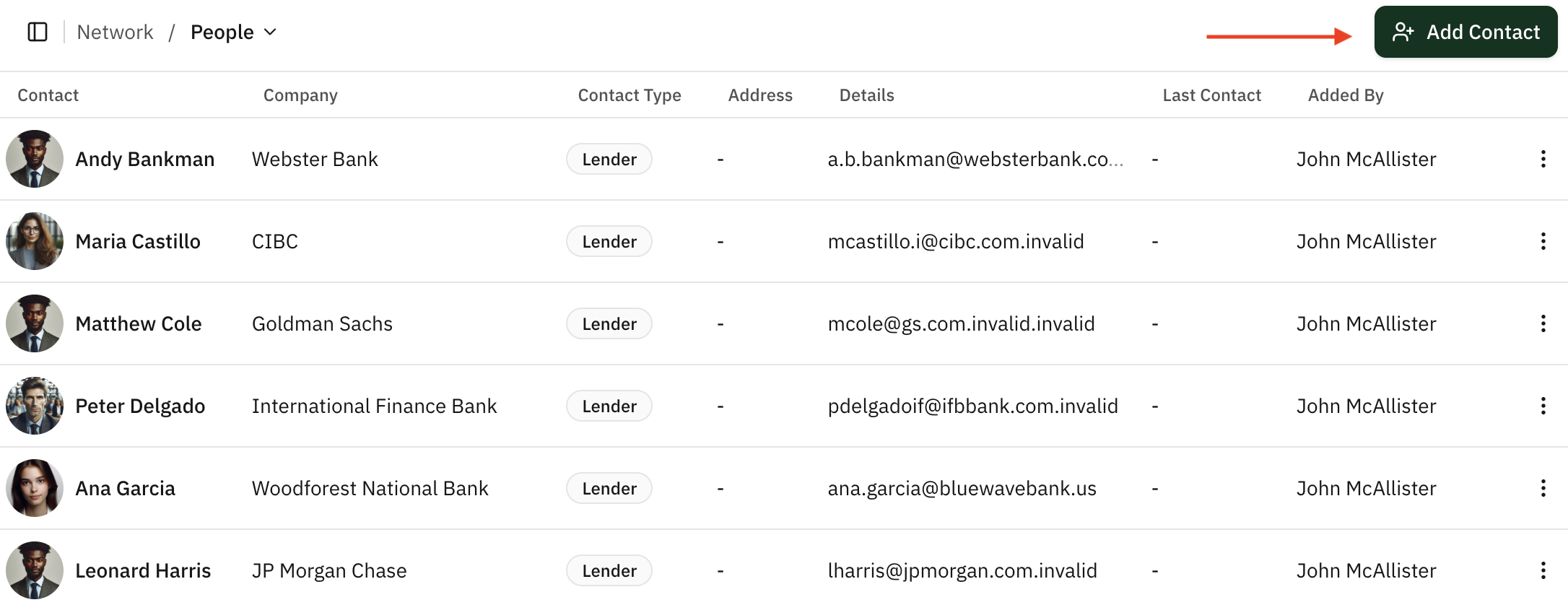
From this page, click Add Contact on the top right.
Type in the email address for the contact you want to add, then click Continue.
The platform will auto-populate the first name, last name, company name, and company website based on the lender domain of the email address you initially entered. You can also input the first name and last name manually, but you cannot manually input or edit the company name or company website.
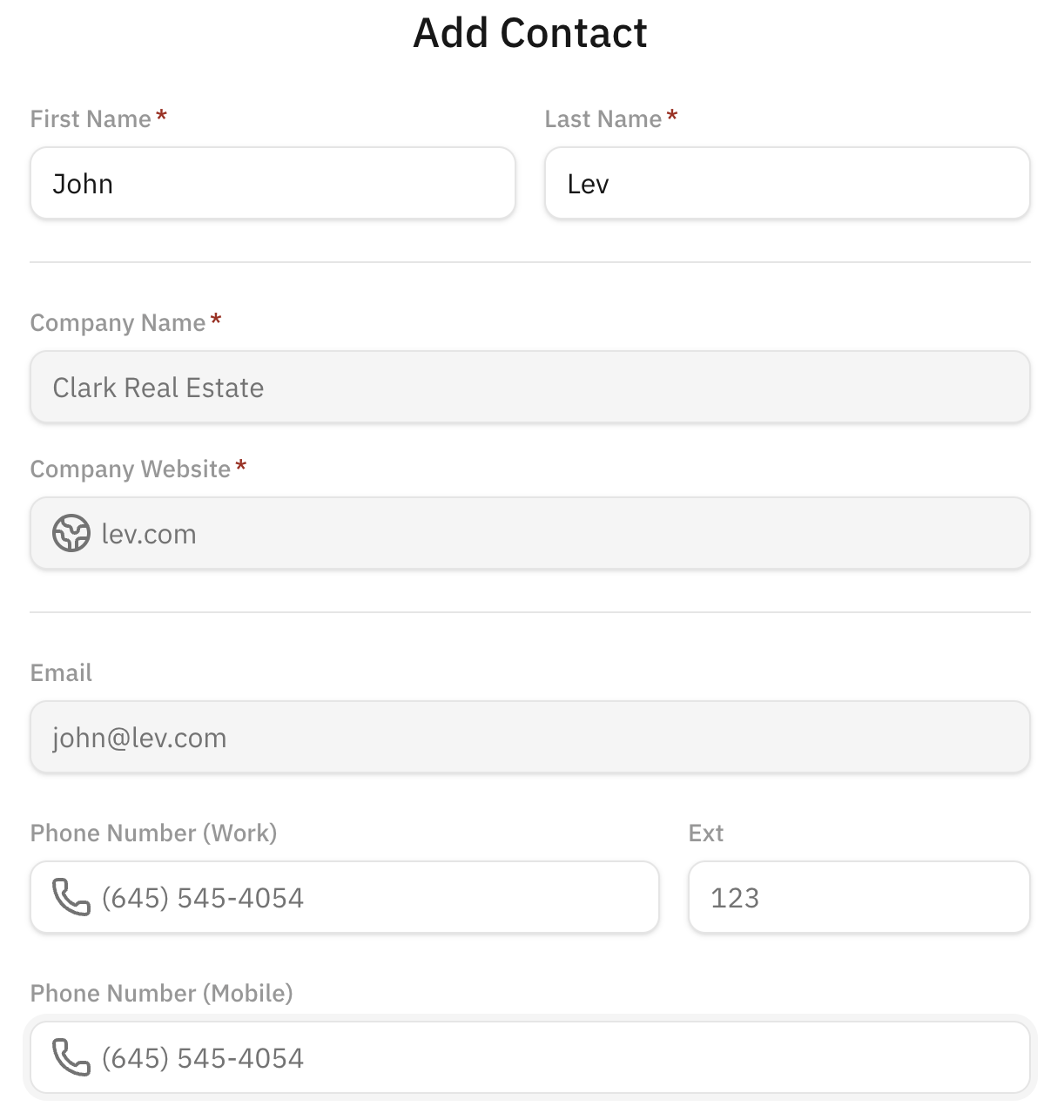
You can now add this contact to any new or pre-existing deals that you launch through Lev.
Adding an In-Network Contact to Your Deal
If you want to add a contact from your Lev network to a deal, start by clicking + Add Lenders from the deal's placement table.

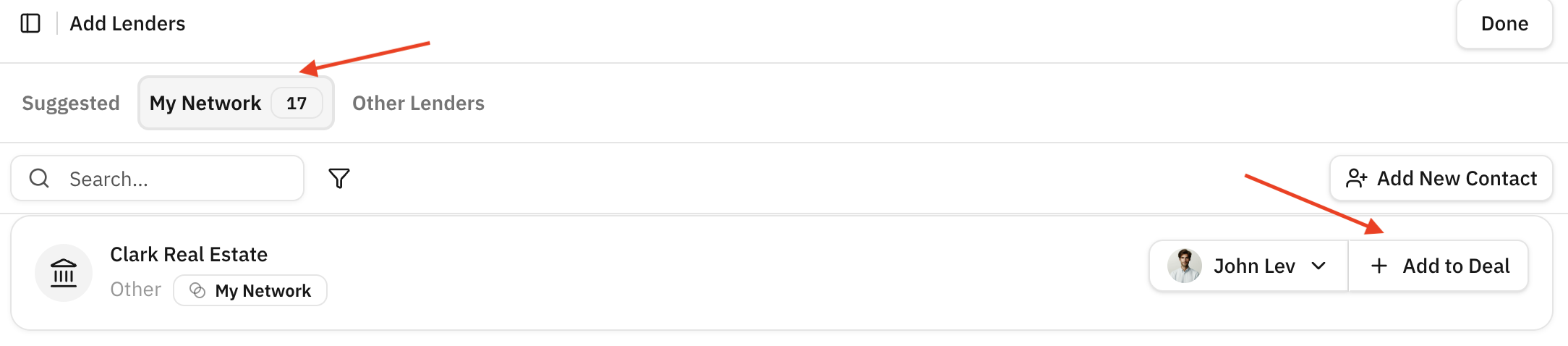
Next, select My Network and click + Add to Deal to add a contact to the deal's placement table.
Please note that you can only add lender contacts from your network to deals where their lender isn't a fit for the deal.
The newly added contact will now appear at the top of the placement table, where you can include them in all deal related outreach!