Introduction
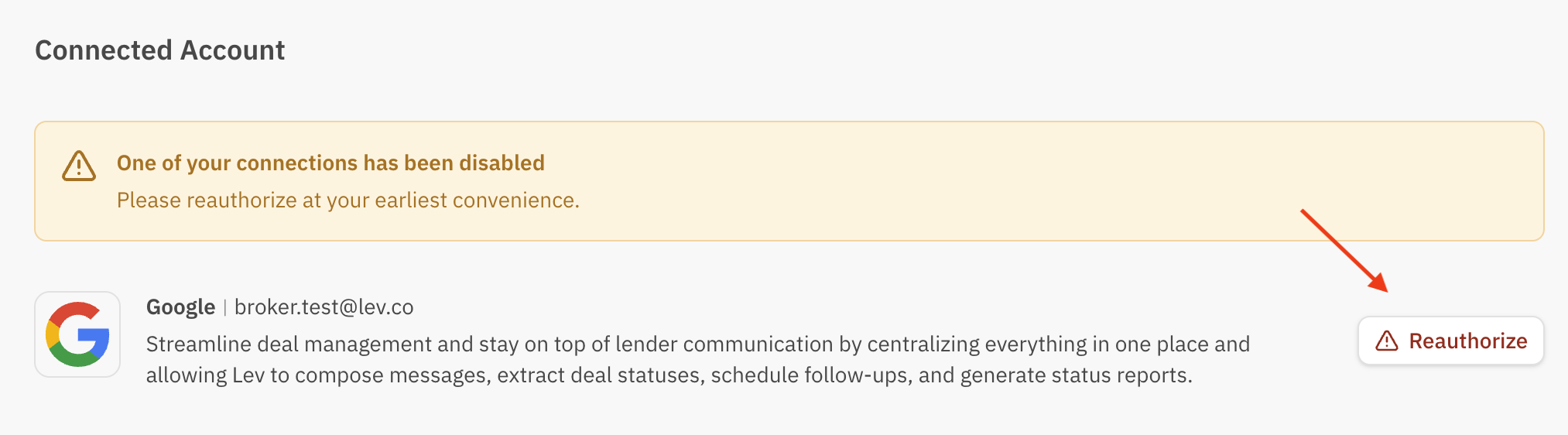
Sometimes your email can become disconnected from the Lev platform, and you will need to reconnect and reauthorize your email in order to continue sending messages with Lev. Email connection will also enable automated updating to key deal fields like lender placement status, latest notes, and more.
Locate Connected Account Settings
Navigate to Settings
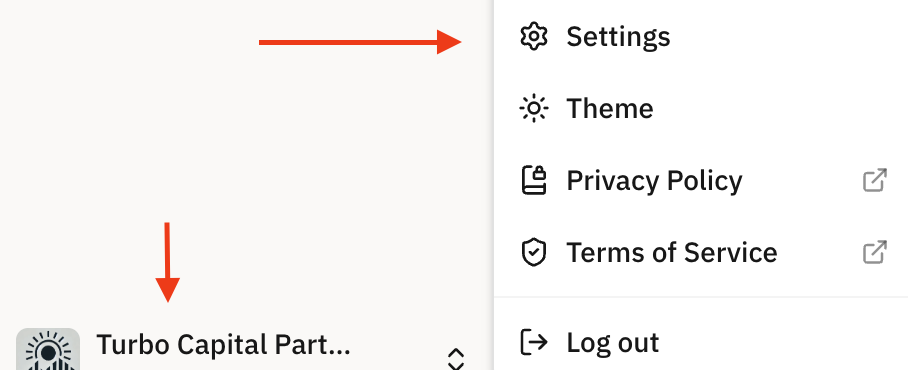
Start by navigating to your profile's settings by clicking your profile icon on the bottom left of your screen, and clicking Settings from the drop-down menu.
Access Connected Account
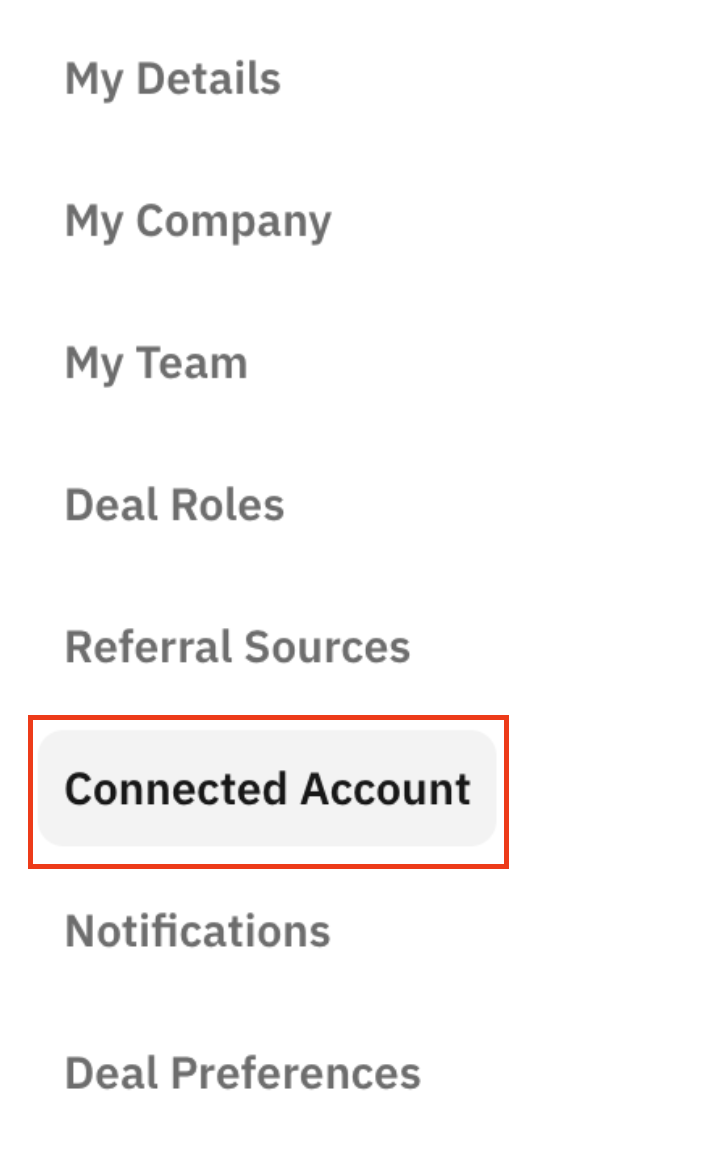
From the settings page, click into Connected Account.
Reauthorize your Email
From Connected Account, click Reauthorize next to your email address on file, and you will be able to resume communicating with lenders via the Lev platform!