Learn how to send a test email to yourself before launching outreach to lenders. Test emails let you preview the exact message a lender will receive, including any dynamic fields, formatting, and attachments.
There are two ways to send test emails in Lev:
- Individual lender — Send a test email from a single lender's email composer on the Outreach tab. This previews the exact message that specific lender would receive, with their contact name and any personalized fields filled in.
- Bulk outreach — Send a test email from the bulk email composer when launching to multiple lenders at once. This previews the shared template that will go out to all selected lenders.
Sending a Test Email to an Individual Lender
Navigate to the Outreach Tab
Open the deal you want to send a test email for and click the Outreach tab to view your placement table.
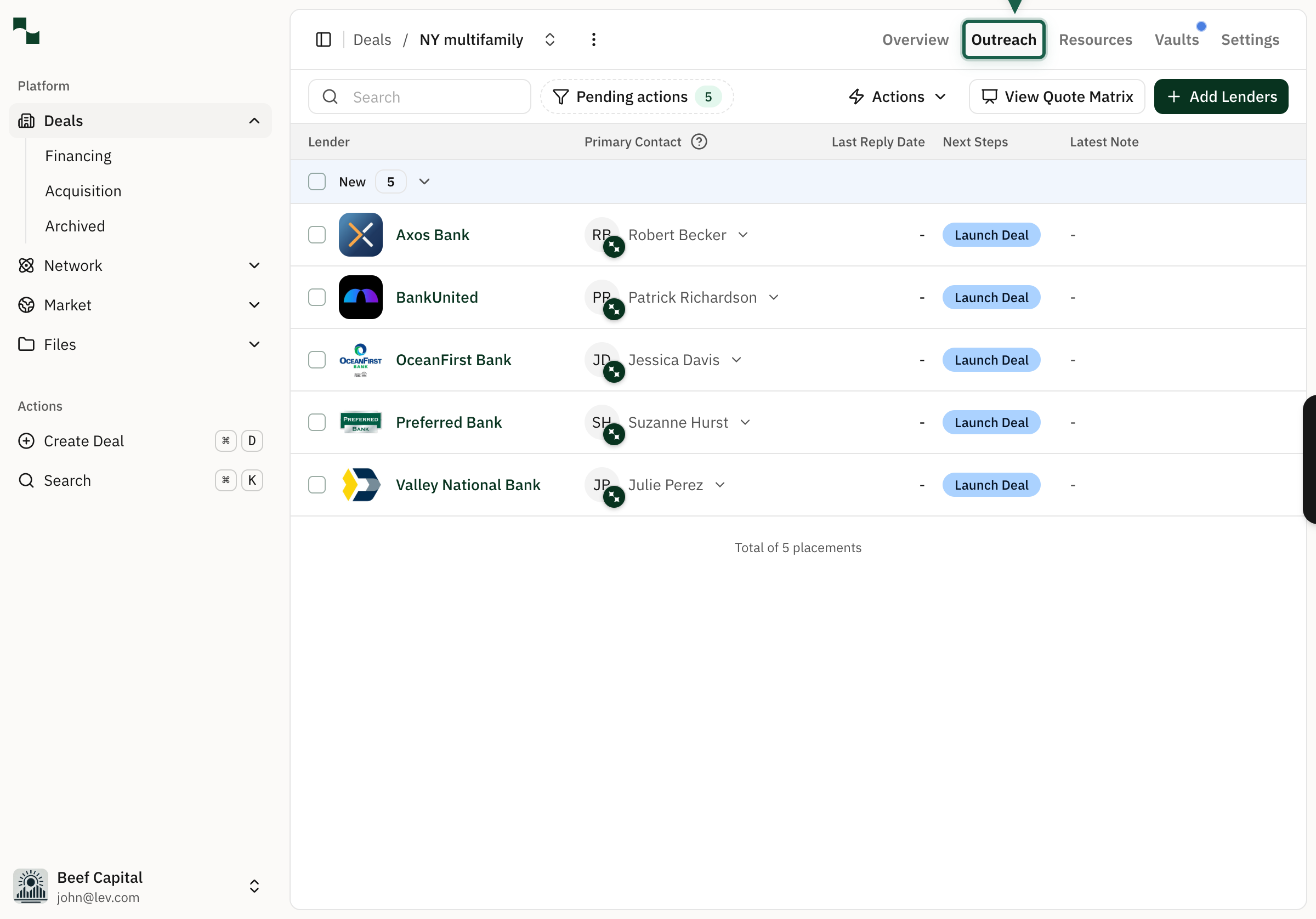
Select a Lender
Click on the lender you want to send a test email for.
Send a Test Email to Yourself
Click the dropdown arrow next to the Send button at the bottom-right of the email composer. From the dropdown menu, select Send test email to me.
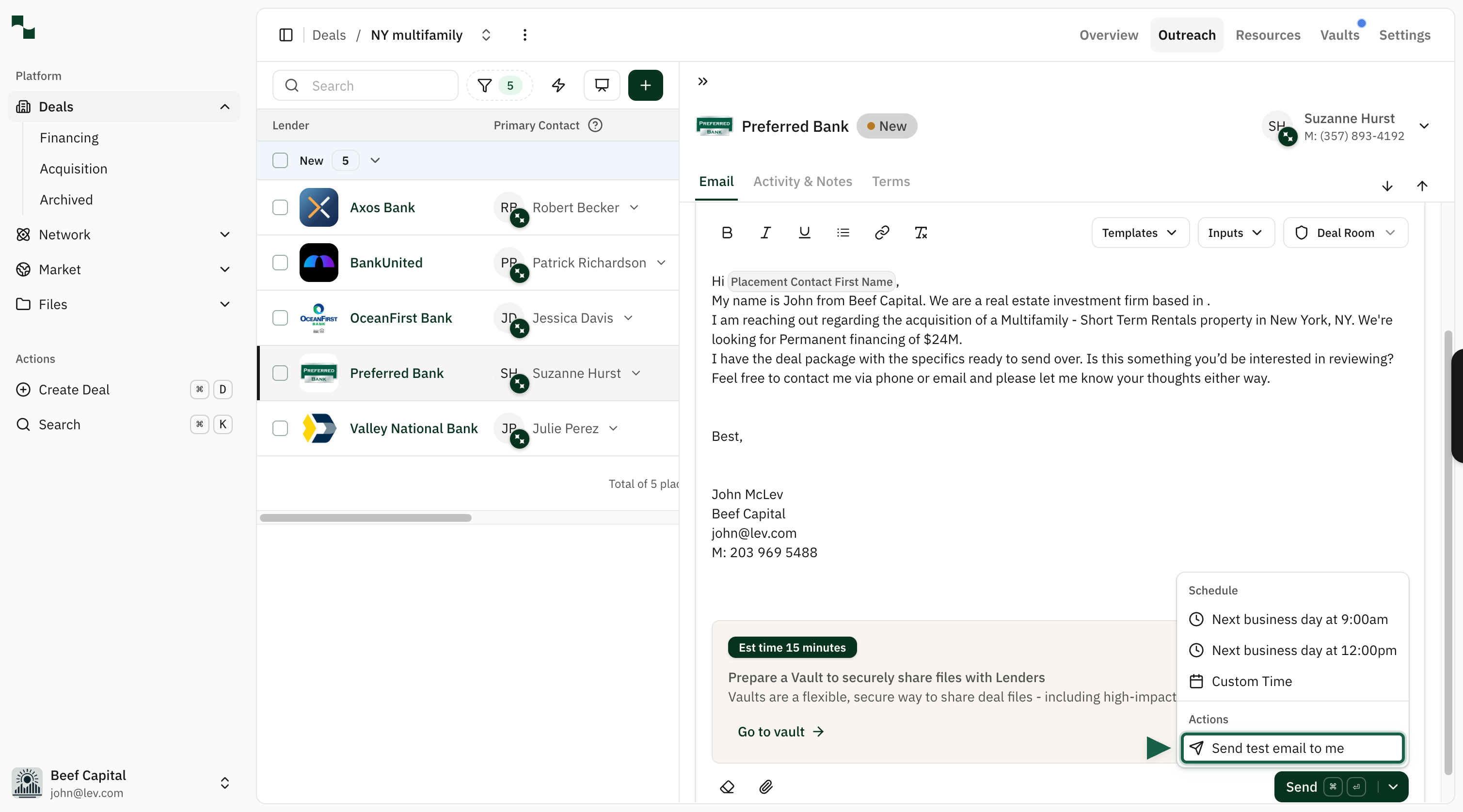
The test email will be sent to the email address associated with your Lev account. It will include all the same content the lender would see, with any dynamic placeholders filled in. This is a great way to check formatting, tone, and accuracy before sending the real outreach.
Sending Test Emails in Bulk
You can also send test emails when using the bulk outreach flow. This is useful when you want to preview the message that will go out to multiple lenders at once. Any dynamic fields will be populated based on the corresponding lender that you have selected.
Send a Bulk Test Email
From the bulk outreach composer, navigate to the review tab, and click the Send test email to me button in the top right.

You're All Set!
- You've learned how to send a test email to preview your outreach message
- Test emails are sent only to your account and do not reach the lender
- You can use test emails for both individual and bulk outreach flows
- Review your test email in your inbox to confirm formatting, content, and dynamic fields before launching