Integrate your email with Lev to centralize deal communication and leverage AI-powered insights.
Getting Started
Access Your Dashboard
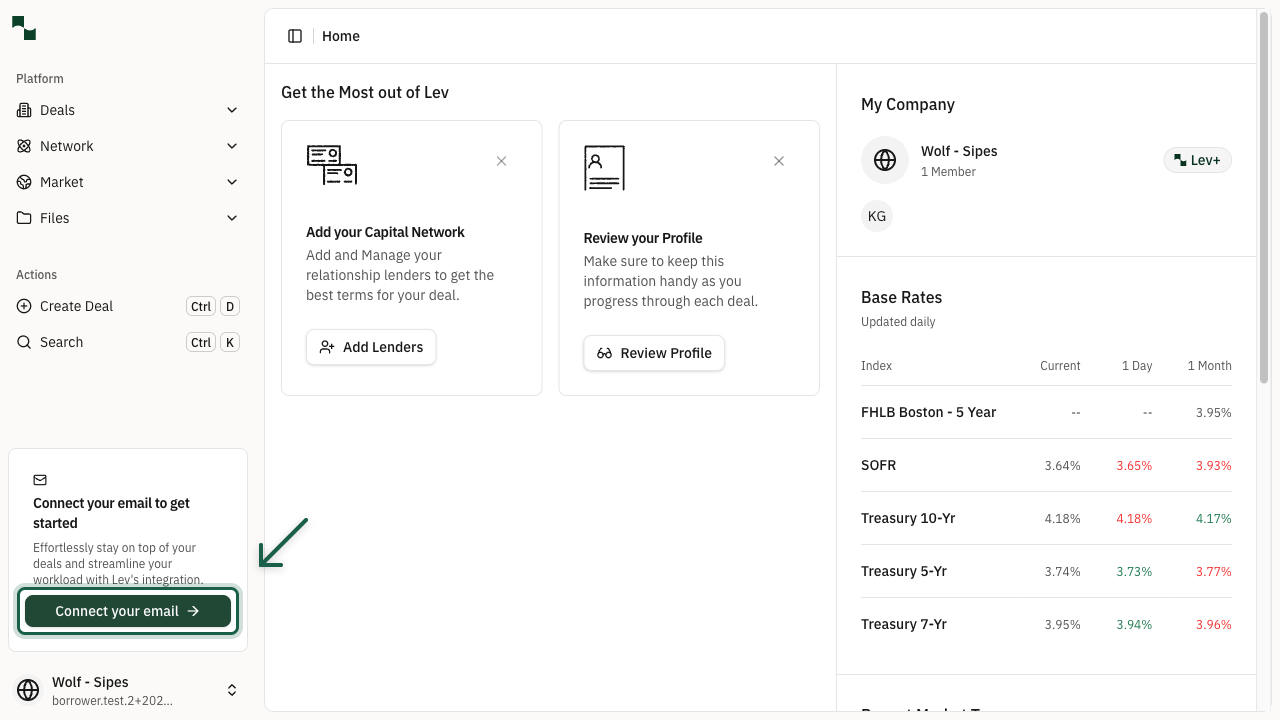
After logging into Lev, you'll see a prompt in the left sidebar encouraging you to connect your email. This integration brings all your deal communication and tasks into one organized platform.
Location: Left sidebar > "Connect your email to get started" section
Click the Connect your email button to begin the setup process.
Configuration
Choose Email Sync Preferences
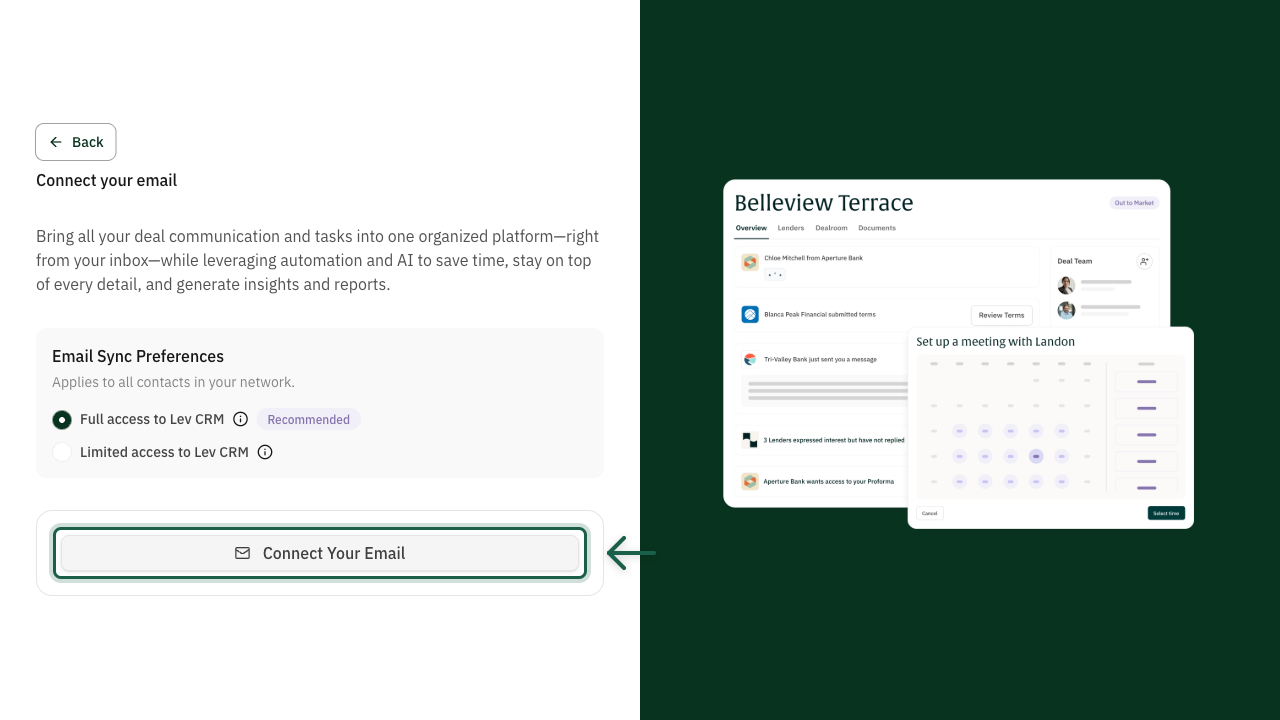
A dialog will appear with options for how Lev accesses your email. Select your preferred sync level:
- Connect your email so outreach goes from your mailbox and you can track replies. There are two ways to do this:
- Limited Access only lets you track emails if they are part of your original email launch thread, such as replies to your original deal launch email
- Full Access will track emails related to your deal even if they are outside the original email, for example if a lender starts a new deal-related thread with you
- For more information on the email integration process, please consult the linked article from our Trust Center
Tip: Full access is recommended for the best experience. It allows Lev to automatically organize your deal communications, generate insights, and help you stay on top of every detail.
Connect Account
Connect Your Email Account
Click the Connect Your Email button to proceed to your email provider's authentication page. You can connect:
Follow the prompts from your email provider to authorize Lev to access your email. This is a secure OAuth connection - Lev never sees your password.
- Google - Gmail and Google Workspace accounts
- Microsoft - Outlook and Microsoft 365 accounts
- Custom - all other email providers
You're All Set!
- Your email account is now connected to Lev
- Deal-related emails will be automatically organized
- AI-powered insights will help you stay on top of your deals
- Tasks and follow-ups can be tracked directly from your inbox